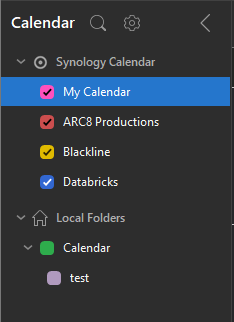
eM Client Calendar Setup
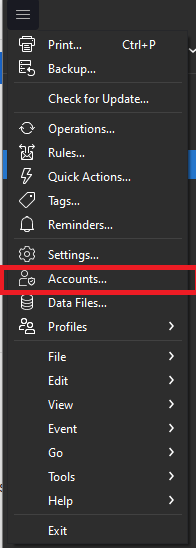
2. Add account:

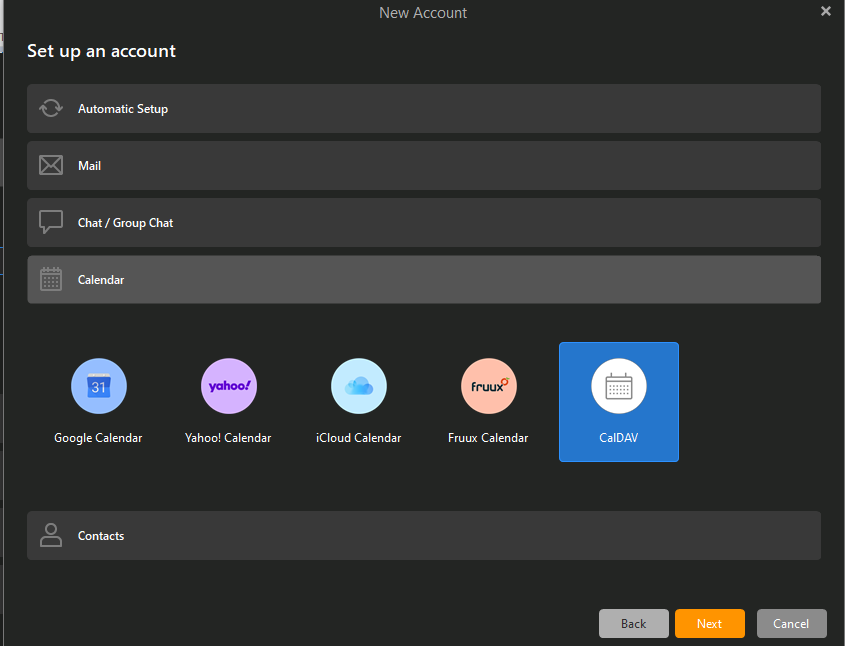
3. Select calendar and CalDev:
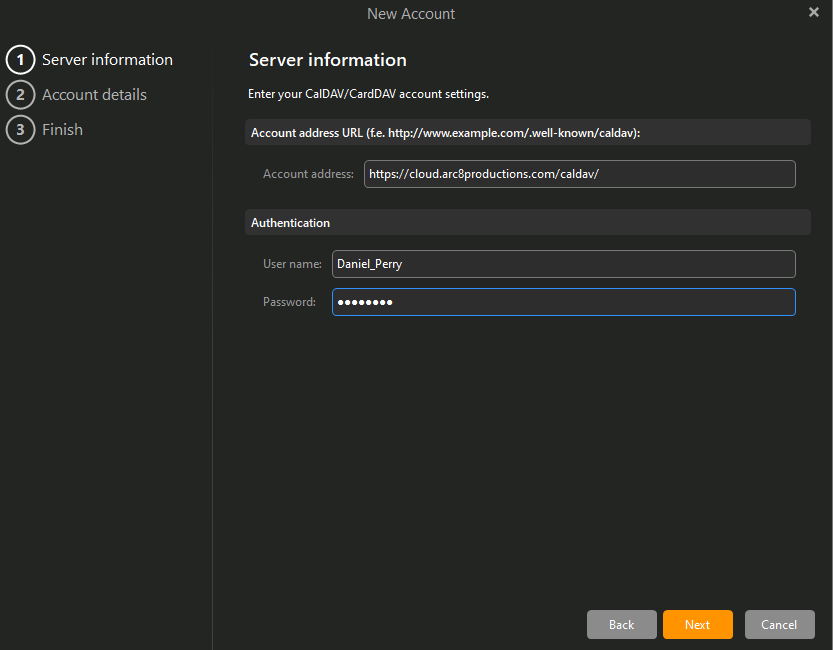
4. Fill out the information with your Synology login credentials and "https://cloud.arc8productions.com/caldav/":
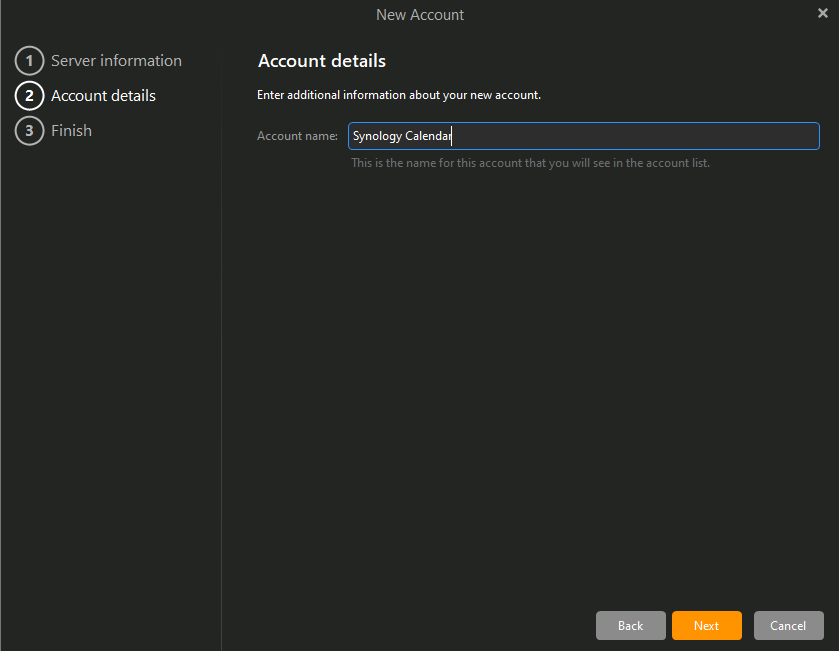
5. Specify what you want your account to show up as in the calendar view (e.g. Synology Calendar):
6. Click Finished and it should authenticate and show up in your calendar view